Editing a draft
If you want to edit a draft, you are able to tap on the right side of the tour card.
Uploading a draft
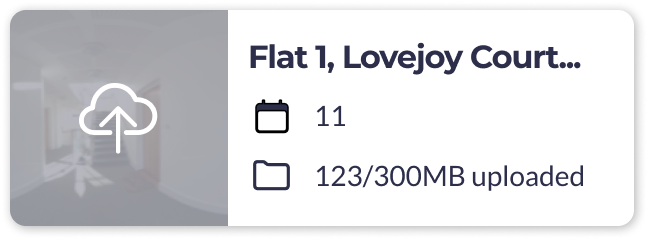
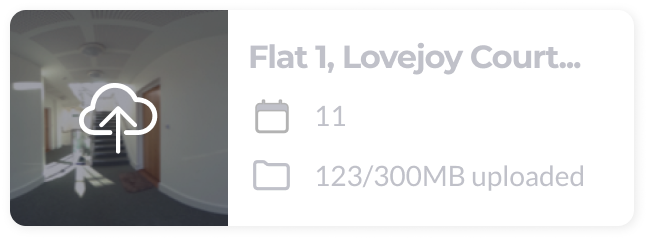
Tap on the upload icon on the left of the tour card to start uploading.
You are able to pause the uploading if needed.
Deleting a draft
If you want to delete a draft, you can swipe left on the tour card.
You will be asked to confirm before the file is deleted.
Please note: when you delete a draft, it is permanently deleted and cannot be recovered.